The CoreEngine simulator
A robot lab on your computer. Build a body, place real parts, wire them pin to pin, write Arduino C++ and watch your robot drive in an arena with physics.
CoreEngine is being built for Windows. Its store page will appear here.
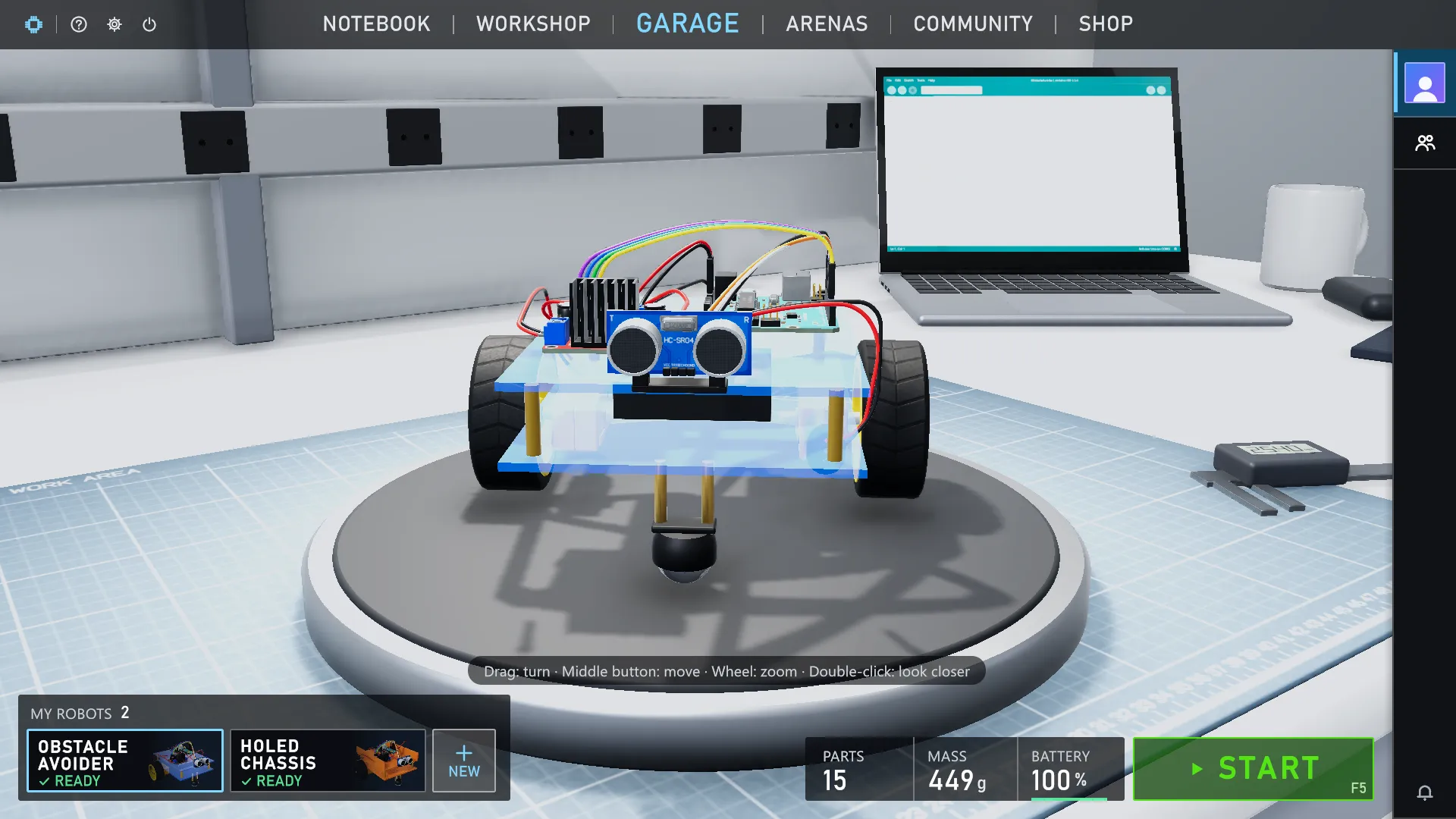
A real chip
Your sketch is compiled with the real Arduino tools and runs on an emulated ATmega328P, cycle by cycle.
Real wiring
Batteries, drivers, sensors and motors behave like the parts on your desk, and wiring mistakes show up as they would.
Physics arenas
Drive your robot among walls and obstacles, with live readings of distance, motors and battery.
The same parts
Every simulator part is a real product in the Market, so what works here works on your desk.
How to learn with the site and the simulator
- 01Pick a project or a lesson here and read how the robot works.
- 02Build the same robot in CoreEngine: each page lists its parts, a wiring table and the sketch.
- 03Paste the sketch into Code, press Upload and run it. Change it and fix it until it works.
- 04Then get the real parts in the Market and build it on your desk with the same wiring and code.
Questions
Do I need real parts to start?
No. Build every project in the simulator first; buy the parts only when you want to build it for real.
Which parts are in the simulator?
Arduino Uno, L298N motor driver, HC-SR04 ultrasonic sensor, TT gear motors, SG90 servo, LED module, IR line sensor, push button, active buzzer, 4xAA battery holder and a ball caster. More are coming.
Is the site connected to the game?
No. The site and CoreEngine are separate: the site sends nothing to the game, and the game does not go online. You build each robot yourself from its page, which is also the best way to learn it.